
Focused practice changes board vision fast: daily 10-minute drills produced gains in 2–3 weeks for students rated 800–2400. This guide compares Dark Squares vs Chess.com: Training for Visualization. Dark Squares builds mental boards through coordinate drills, piece-tracking, and adaptive modules. Chess.com adds Vision Trainer for square colors and knight paths, plus blindfold mode inside its platform launched in 2007 and used by millions. You will see which fits your goals, from systematic blindfold training to applying visualization gains in puzzles and live games.
Quick Overview
Dark Squares is a dedicated platform for blindfold chess. It offers structured modules for square naming, multi-piece tracking, and full blindfold games, with difficulty that adapts to errors and speed. Layered progression builds spatial memory and mental reconstruction through short, repeatable drills.
Chess.com is a full online chess platform with play, puzzles, lessons, and analysis for millions of users. Its visualization tools include Vision Trainer for square-color and knight-move recognition and a blindfold mode that lets you play without seeing pieces.
Feature Comparison

| Feature | Dark Squares | Chess.com |
|---|---|---|
| Dedicated Visualization Focus | Specialized platform exclusively for blindfold chess training | Visualization tools as supplementary features within broader platform |
| Progressive Training Modules | Structured progression with coordinate drills, piece tracking, and full-game practice | Vision Trainer for square colors and knight moves; standard blindfold mode |
| Adaptive Difficulty | AI-adapted mini-games with analytics that track weaknesses | Standard difficulty levels without adaptive tracking for visualization |
| Coordinate Training | Dedicated square-naming drills with timed exercises | Vision Trainer includes square-color identification |
| Piece-Tracking Exercises | Modules for multiple pieces, bishop diagonals, and knight patterns | Practice mainly through blindfold mode in games |
| Performance Analytics | Detailed visualization metrics with targeted weakness reports | General game statistics; limited visualization-specific metrics |
| Full Chess Platform Features | Not applicable (visualization-focused only) | Play, puzzles, lessons, tournaments, and analysis tools |
| Mobile Accessibility | Platform details not specified in research | Mobile apps for iOS and Android |
| Community Features | Training-focused without social components | Clubs, forums, streaming, and events with millions of users |
| Integration with Regular Play | Standalone training separate from live games | Direct integration between visualization exercises and playing |
The main difference is scope. Dark Squares builds blindfold skill from the ground up through progressive modules. Coaches use its drills with students rated 800–2400, often prescribing daily 10-minute sessions that show gains within 2–3 weeks. Adaptive tracking surfaces patterns, such as missed bishop diagonals or weak knight visualization, and then increases reps in those areas.
Chess.com’s tools are add-ons inside an all-in-one site. Vision Trainer gives fast reps for square colors and knight hops that many forum users find helpful for invisible puzzles and board imagery. Its blindfold mode is a playing option, not a course, which suits players testing existing visualization rather than building it step by step.
Pricing Comparison
Dark Squares: Specific pricing was not available in the source research. Check the Dark Squares site for current subscription tiers and any trial options, and confirm what is included in each plan.
Chess.com: Free accounts cover play, puzzles, and lessons. Premium tiers (Gold, Platinum, Diamond) add unlimited puzzles, deeper lessons, and stronger analysis. Pricing has historically ranged about $5–15 per month depending on tier and billing cycle. Vision Trainer and blindfold mode are available to free and premium users, with premium unlocking more training content elsewhere on the site.
Value depends on your goals. Dark Squares may be the better buy if you want only visualization, because its entire curriculum targets blindfold skills. Chess.com offers broader value if you also want opponents, large puzzle sets, opening trainers, tournaments, and analysis alongside basic visualization work.
Pros and Cons
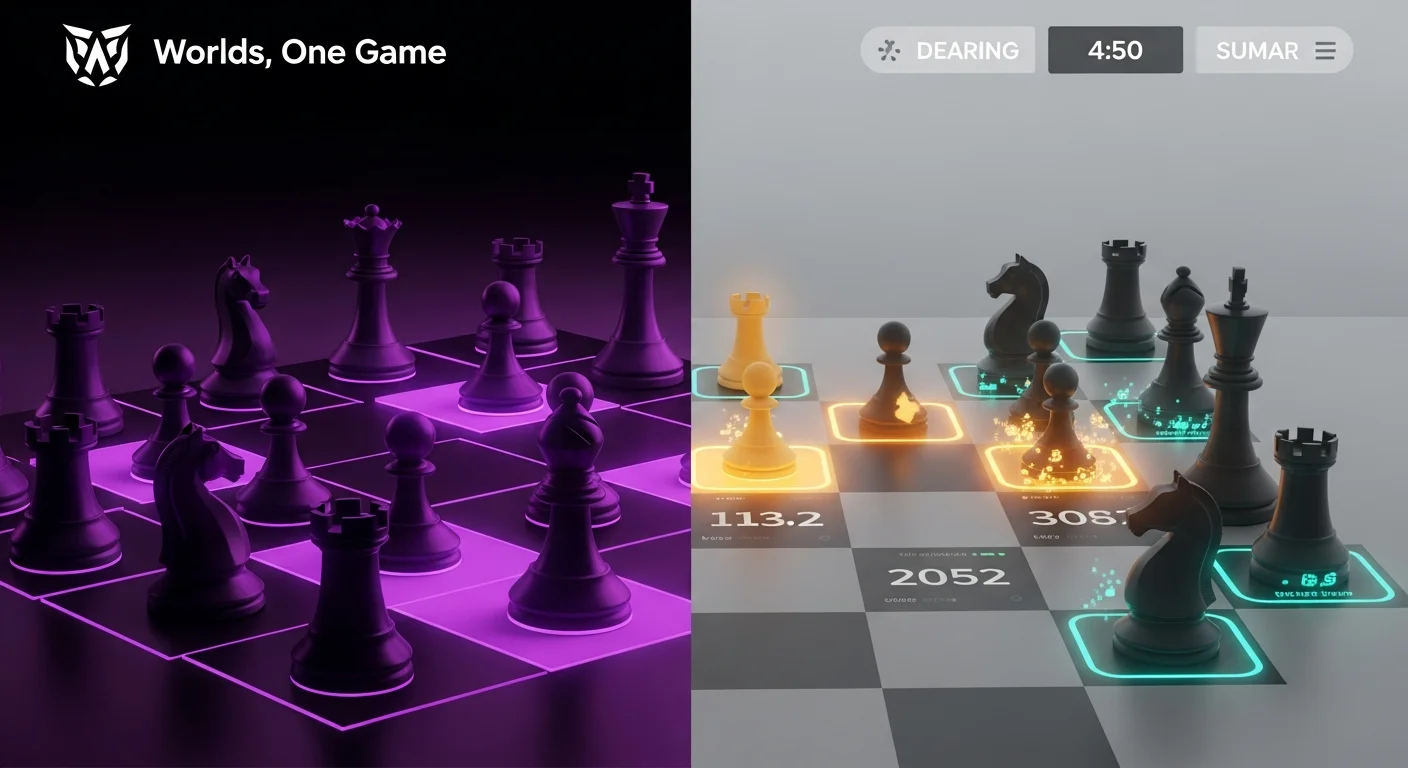
Dark Squares Pros
- Specialized focus: Every feature targets blindfold and board-visualization drills.
- Progressive structure: Modules span coordinates, multi-piece tracking, and full blindfold games.
- Adaptive difficulty: AI adjusts tasks and flags weak patterns, such as bishop diagonals.
- Proven effectiveness: Academies report gains in 2–3 weeks with daily 10-minute sessions.
- Distraction-free: No playing or openings to pull focus from visualization work.
Dark Squares Cons
- Single-purpose: No opponent play, opening study, or large tactics libraries.
- Limited community: Lacks clubs, forums, and events found on bigger sites.
- Opaque pricing: Public pricing was not found in available sources.
- Needs pairing: Use with other platforms for full chess improvement.
Chess.com Pros
- All-in-one: Play, puzzles, lessons, events, and analysis in one account.
- Free access: Core tools, Vision Trainer, and blindfold mode need no payment.
- Huge community: Millions of users, clubs, and forums provide opponents and advice.
- Mobile apps: iOS and Android support on-the-go training and play.
- Integration: Use visualization gains directly in games, puzzles, and analysis.
Chess.com Cons
- Less targeted: No step-by-step blindfold curriculum like a specialized tool.
- No adaptive tracking: Few metrics tailored to visualization progress.
- Potential distractions: Many features can dilute focused practice time.
- Generic tools: Designed for general training, not intensive blindfold work.
When to Choose Each Option
Choose Dark Squares if:
You aim to master blindfold play: Target elite-level visualization for full blindfold games, especially if rated 1800+. The AI mini-games and analytics sharpen forks, pins, and tracking without a physical board.
You want a stepwise plan: Follow modules that move from square naming to multi-piece tracking to full blindfold games. Coaches use them to fix issues like weak bishop-diagonal mapping.
You already use another site for general training: Keep your current play, openings, and tactics tools. Add Dark Squares only for dedicated visualization work.
Choose Chess.com if:
You want one account for everything: Play opponents, solve tactics, study openings, join tournaments, and practice visualization in one place. Improvements can be tested against millions of players immediately.
You are building fundamentals: Use Vision Trainer for square colors and knight paths while learning tactics, endgames, and strategy. School clubs often use blindfold mode and puzzle replays for group practice.
You train on mobile: Run timed drills and quick puzzles on iOS or Android during commutes or short breaks. Keep streaks without a desktop session.
These options work well together. Many players use Chess.com for daily play, puzzles, and lessons, then add Dark Squares in focused blocks to raise visualization quickly. Reported results, such as gains in 2–3 weeks with 10-minute sessions, make that pairing efficient for tournament prep.
Beginners can start free on Chess.com’s Vision Trainer to build board awareness. Advanced players often add Dark Squares when calculation speed, diagonal mapping, or multi-piece tracking becomes a bottleneck.
- Dark Squares offers adaptive, drill-based blindfold training with measurable gains in weeks.
- Chess.com supplies Vision Trainer, blindfold mode, and a large ecosystem for daily play.
- Choose Dark Squares for targeted visualization; choose Chess.com for broad improvement.
- Using both can pair daily play with short, high-yield visualization blocks.
Micro-action: Do a baseline test today. Run Chess.com’s Vision Trainer for 5 minutes, then try a 5-minute coordinate drill on Dark Squares to compare results.


